
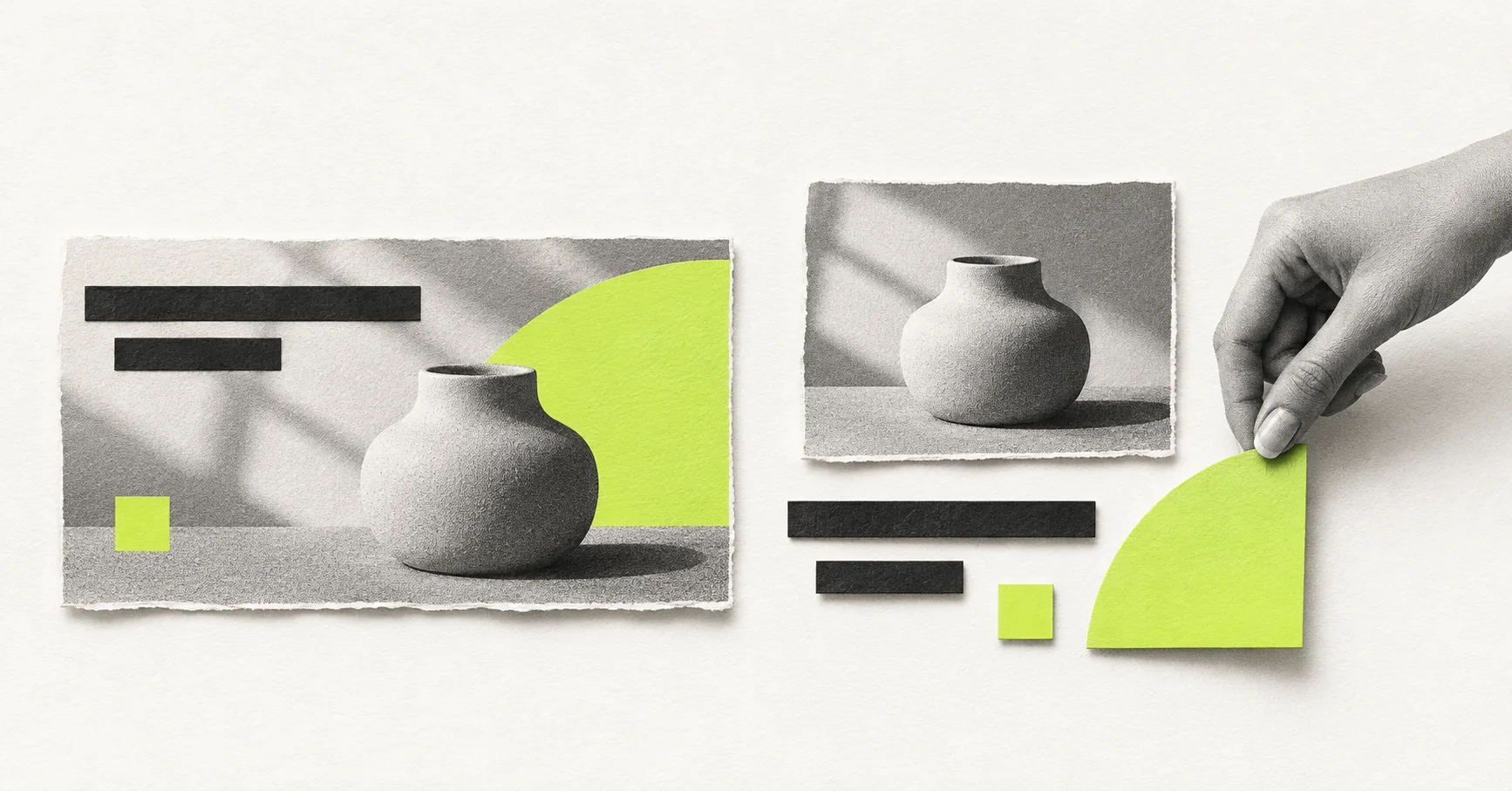
Before asking a designer for banner ads, I would check one thing: are we uploading finished ads, or giving Google separate assets to assemble?
Those are different production jobs. A finished banner includes its own layout. A responsive display ad uses ingredients such as images, logos, headlines, and descriptions. Getting that distinction right can save you from approving a set of files that does not match the campaign.
This guide covers static banner ad design for Google’s Display Network. It is not a brief for video, animation, or HTML5 production.
Start with the ad format, not a list of sizes
For an uploaded static image ad, the designer delivers a complete composition. The image, message, brand, and visual hierarchy are already arranged in the file. Google’s uploaded display ad specifications list supported dimensions and a 150 KB file-size limit for image ads. JPG and PNG are options for static work.
With responsive display ads, Google assembles the supplied assets into different layouts. The design task is to prepare images and brand assets that work alongside separately supplied copy, rather than treating every image as a miniature finished advertisement. See Google’s responsive display ad setup guide.
| Decision | Uploaded static banner | Responsive display assets |
|---|---|---|
| What the designer supplies | A finished composition in each agreed size. | Image crops and separate logo files, coordinated with the copy. |
| What you approve | The layout and reading order of each export. | The ingredients and how they work in the available previews. |
| Main production risk | Copy becomes unreadable when a layout is squeezed into another size. | The image depends on a particular headline or layout to make sense. |
| Useful first question | Which supported sizes do we actually need? | Will each image still communicate something useful when the arrangement changes? |
Google is moving Display campaigns into Demand Gen, with a phased migration tool rollout that began in June 2026. Its migration guidance lists both responsive display ads and uploaded static image ads as supported. Check the campaign and ad type available in your account before signing off the deliverables. Do not assume every Demand Gen image format uses the same specification.
Choose based on the control you need
If a particular reading order is central to the idea, I would consider finished banners. You can review the message and visual together, then adapt that composition for each agreed size.
If the campaign needs a set of flexible visual assets, I would brief those as components from the start. Ask the designer to keep the product or service clear without relying on text baked into the image.
Google recommends avoiding overlaid text and logos on responsive display image assets because they can repeat other elements or become hard to read. That guidance is about the image ingredient, not a blanket instruction to remove the message from a finished banner. See the responsive display creative guidelines.
Neither production approach guarantees better results. I would make the format decision around the campaign requirements first, then assess what it produces. A more flexible layout is not proof of better lead quality, and a more controlled layout is not proof of better performance.
A practical example: one offer, two file requests
Hypothetical example: an office-furniture business wants people to browse a compact desk collection. It has approved product photography and the message “Make room for focused work.” This is an illustrative assignment, not a client campaign or a performance result.
REQUEST A / FINISHED BANNERS
Approve the full composition
Request one concept in 300 × 250 and 728 × 90, if those are the sizes selected by the media owner. Include the approved message, brand, and “Explore the collection” prompt. Deliver a JPG or PNG under 150 KB for each size. These are examples of supported sizes, not a complete placement plan.
REQUEST B / RESPONSIVE ASSETS
Approve usable ingredients
Request a clean product image in landscape and square crops, plus separate approved logo files. Keep the message in the ad’s text assets rather than overlaying it on the product photo. Have the media owner confirm the required specifications and review the combinations in the ad builder.
The important annotation is what changes between the requests: in A, the designer owns the composition inside each exported image. In B, the designer prepares assets for an arrangement the platform will assemble. The offer and landing page can remain the same.
For A, I would review the narrow banner at its intended display size before adapting more versions. If the product becomes tiny, remove secondary detail or rethink the layout. Do not keep shrinking everything to preserve the original arrangement. The resizing versus adaptation guide explains that part of the work.
For B, I would check whether the photo makes sense beside every proposed headline. If one image needs a specific sentence to explain it, either revise the asset or keep that pairing out of an interchangeable set.
Use this handoff checklist before production
- Format: name the campaign and exact ad type. Write “uploaded static image ads” or “responsive display assets,” not just “Google banners.”
- File list: confirm sizes, aspect ratios, file types, limits, and the current specification link. Separate finished ads from image and logo assets.
- Message: identify which copy belongs inside the design and which will be entered separately in the platform.
- Review owner: assign someone to check the exports and someone to check the live ad-builder previews. That can be the same person, but the checks are different.
- Next action: include the approved destination and check that it delivers on the offer.
- Version names: distinguish the concept, copy version, and size so campaign reporting can be traced back to the right files.
You can add these fields to the paid ad creative brief template. There is no need to create a longer brief if the missing information is simply which kind of file the campaign needs.
Judge the result beyond the click
Once the ads are running, check what the reported conversion actually represents. In the hypothetical furniture example, a collection-page visit, an add-to-cart event, and a purchase are different outcomes.
If you compare finished banners with responsive ads, avoid calling the difference a clean creative test just because both ran in the same period. Delivery, placements, and the assembled messages may differ. Record those limits and use the result to decide what to investigate next.
My starting point is simple: confirm the format, approve one useful direction, and only then expand production. If you need help turning that decision into static designs, MarketingQL’s paid ad creative support covers display banners and static design adaptations. Campaign management and media spend are separate from that design service.
Platform guidance checked November 4, 2026. Requirements can change; verify the selected ad type before exporting or uploading files.